

As I mentioned on the podcast, I held off on upgrading my watch this year so that I could upgrade my iPad this fall. For the last few years, I've been using a 13" iPad Pro M2, so it's not like I needed an upgrade, but I decided to splurge on a new M5 model.
- 13" Space Black
- 512 GB storage
- Wi-Fi + Cellular
Space Black is a welcome change, and it pairs wonderfully with the black Magic Keyboard. I kept storage the same as my M2, as it's more than enough, and I added cellular for the first time.
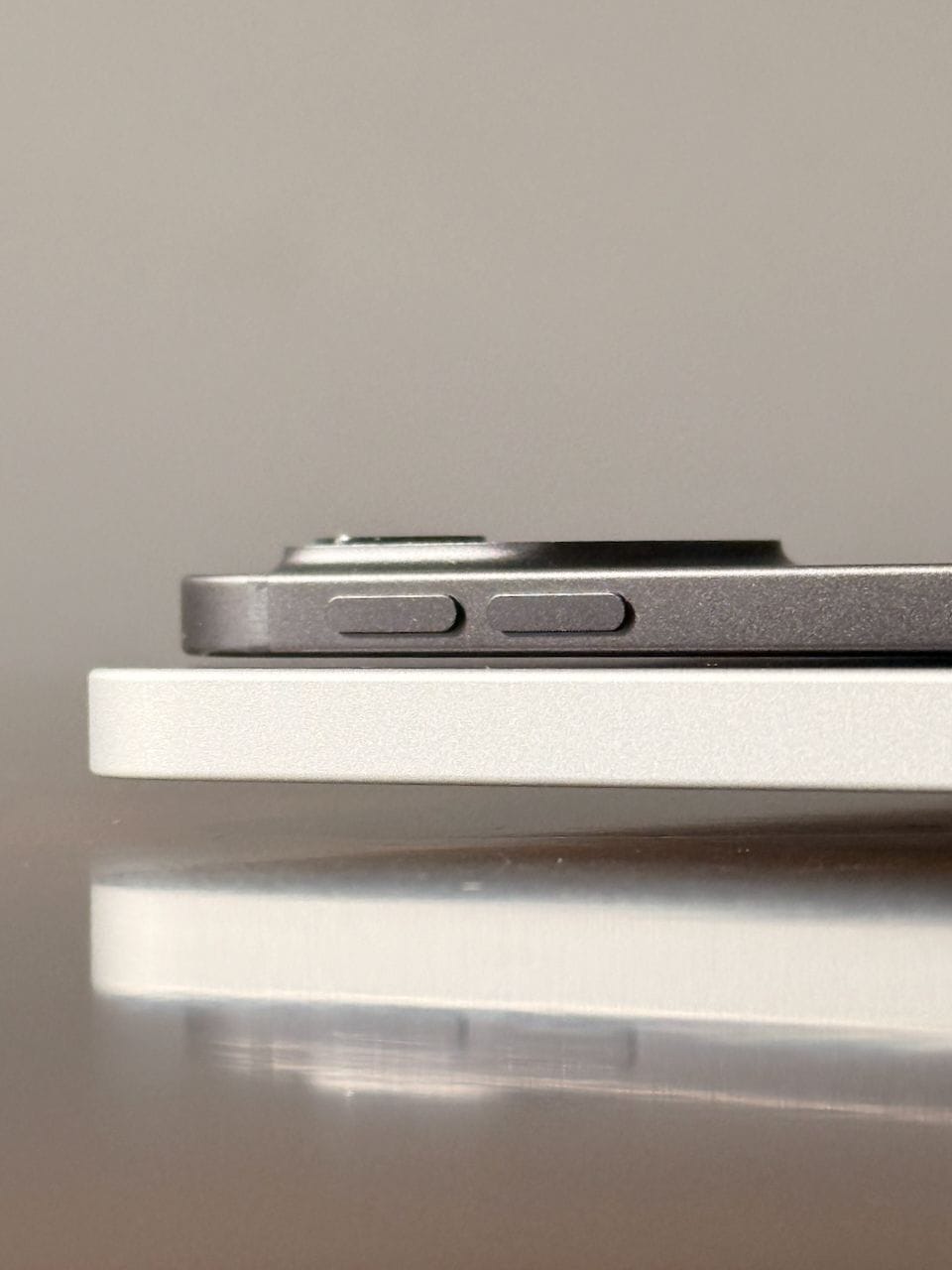
Here are some takeaways from my first week of use.
I underestimated the overall improvements from the iPad's thinness. It really is a remarkable bit of hardware.
Did Apple make the right call going for thinness over increased battery life? I think so. I don't use my iPad for more than a few hours at a time, so the current battery life (Apple says ~10 hours) is still plenty for me. But I understand why we'd want longer battery life, and 10 hours isn't all that spectacular, especially in comparison with today's MacBooks, which provide 18 hours or more.
It's fast. Really, really fast. I don't push my iPads very hard, but in day-to-day use, everything is quicker and smoother than on my iPad Pro M2. With the additional RAM (12GB vs 8GB in the M2 model), I'm seeing fewer browser tabs and fewer app reloads.
And that takes me to the display—my goodness. I mean, the mini-LED display in the iPad Pro M2 was nice, but the tandem OLED display in the new iPad Pros (introduced last year with the M4 series) is the best display I've ever used. Simply wonderful.
Magic Keyboard
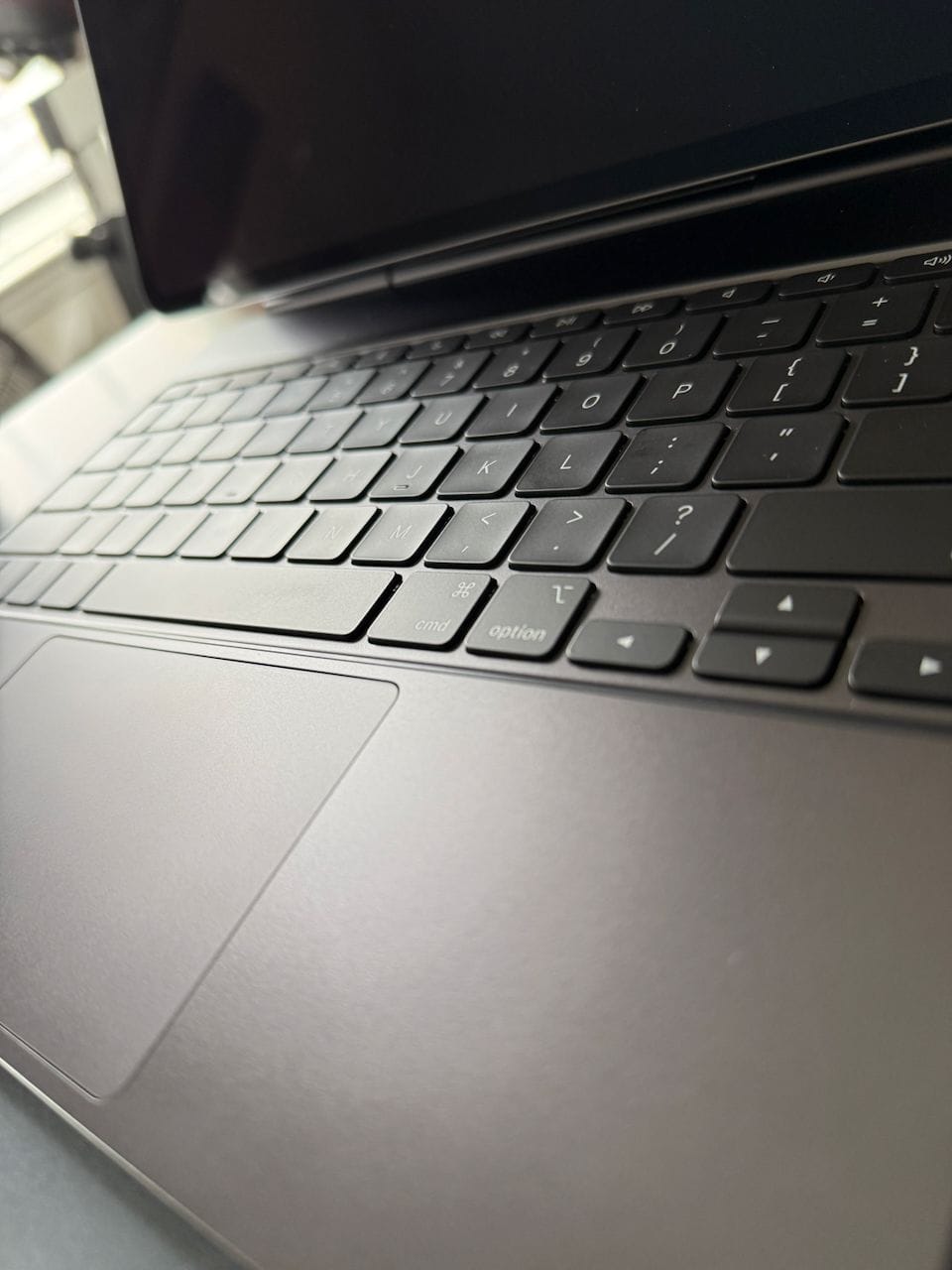
I really don't like the trackpad on the OG Magic Keyboard for iPad Pro.
It's small, kinda awkward, and really loud.
It was easy to live with for a while because, hey, we finally had official, proper pointer support, even if it was the weird round "puck" cursor thingy.
But over time, it's become increasingly annoying. As Bill McLean said in the new episode of Basic AF, it feels like a trackpad on a cheap Windows PC.
The latest version of the Magic Keyboard, introduced last year alongside the M4 iPad Pro, is an improvement in just about every way.
- Larger, and much quieter, glass trackpad with haptic feedback
- Function row keys for controlling volume, display brightness, music playback, and more
- Slightly improved viewing angles
- Aluminum palm rest
About the only downside is that the outer area is still the same rubbery material, prone to showing fingerprints, skin oils, and the like.
It's only been a week, but again, it's a vast improvement over the first-gen.
Apple Pencil Pro
I really enjoy using the Apple Pencil, though I don't consider myself a power user. I don't do any art, and I don't often take handwritten notes (my handwriting is atrocious).
I use mine when I have some deep thinking to do on a particular problem or idea. Noodling through things with the Pencil and a sketch inside Craft is where I do my most focused thinking.
I was perfectly content with my previous Apple Pencil, but it wasn't compatible with the new iPad Pro, so I picked up the Apple Pencil Pro. Nothing much to say so far, other than the squeeze gesture is a nice addition and makes it very fast to bring up the Pencil tools (at least in Craft and Notes, I'm not sure yet how it behaves in other apps).
Overall, I absolutely love the entire package.